
Sell Faster with a Smart POS Built for Your Business
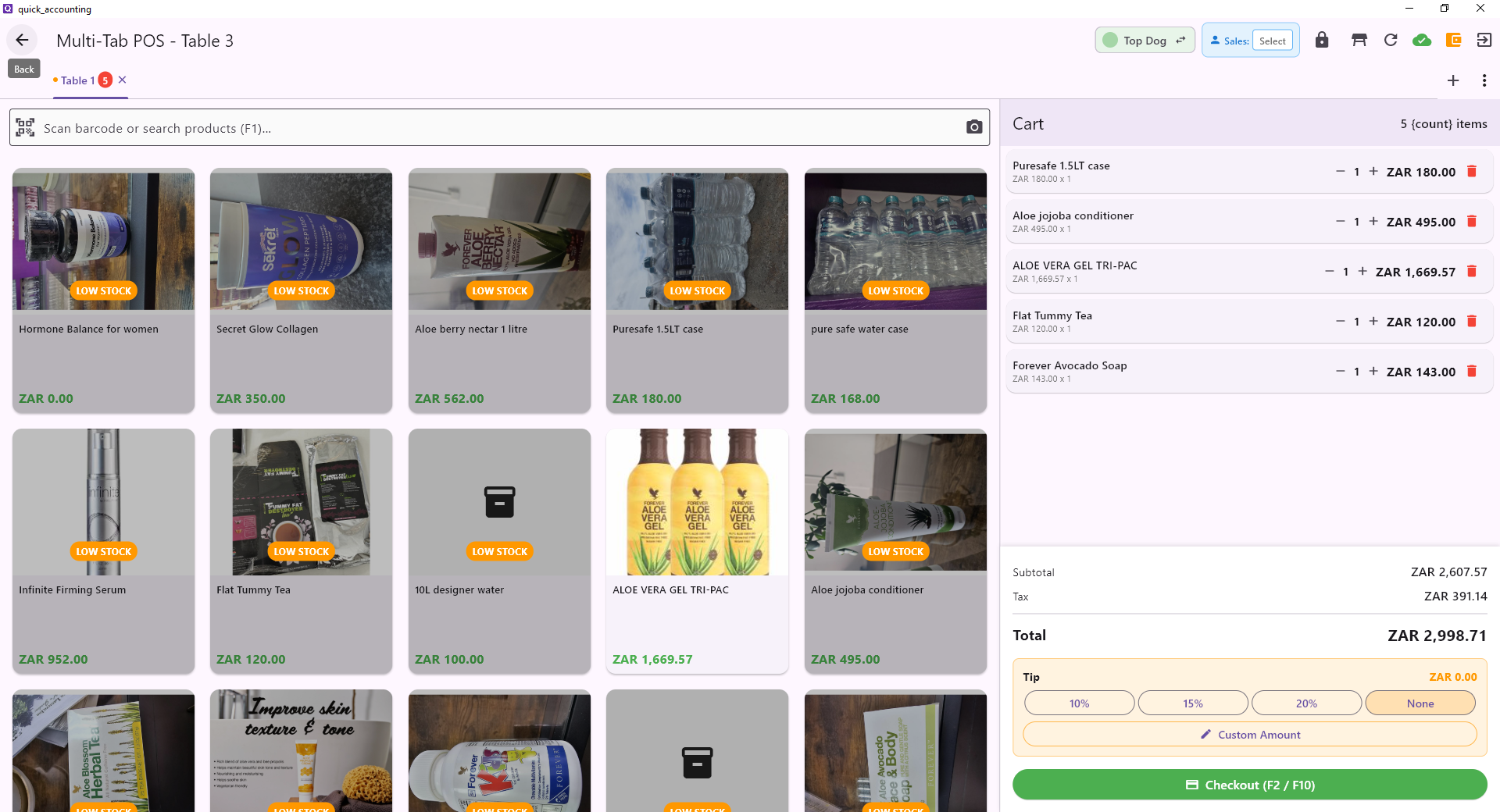
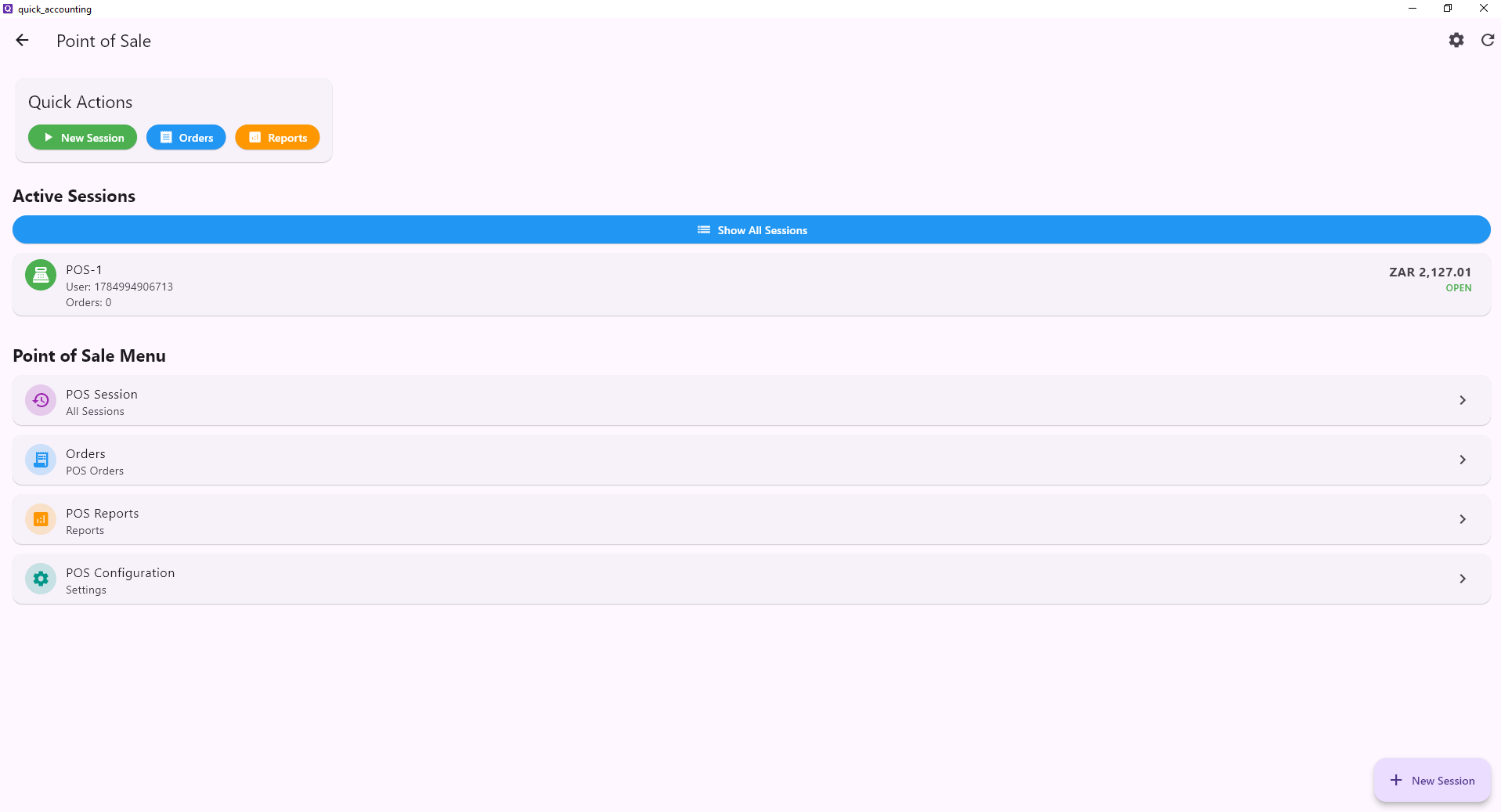
From a corner shop to a busy restaurant — Quick POS handles your sales, inventory and receipts in real time, on any device.
- Works on Android, Windows, Web & tablet
- Barcode scanner & product photo support
- Syncs inventory with accounting automatically
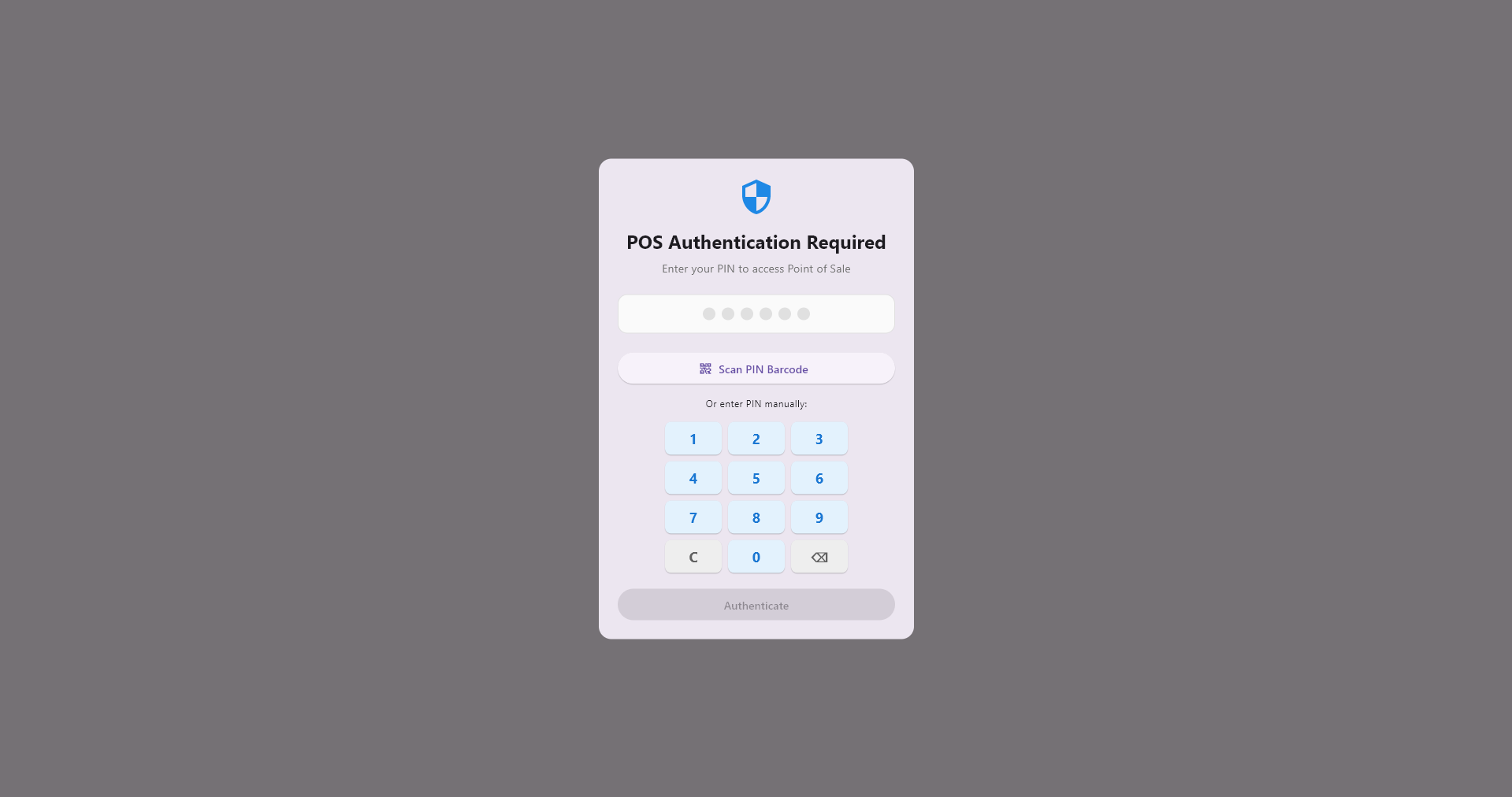
- Multi-user PIN login with role permissions
- Loyalty points, discounts & custom receipts
Packed with Power, Simple to Use
Every feature designed to speed up your sales and keep your books in perfect order.
Barcode & QR Scanning
Scan products instantly with your phone camera or a USB barcode reader. Add items to the cart in under a second.
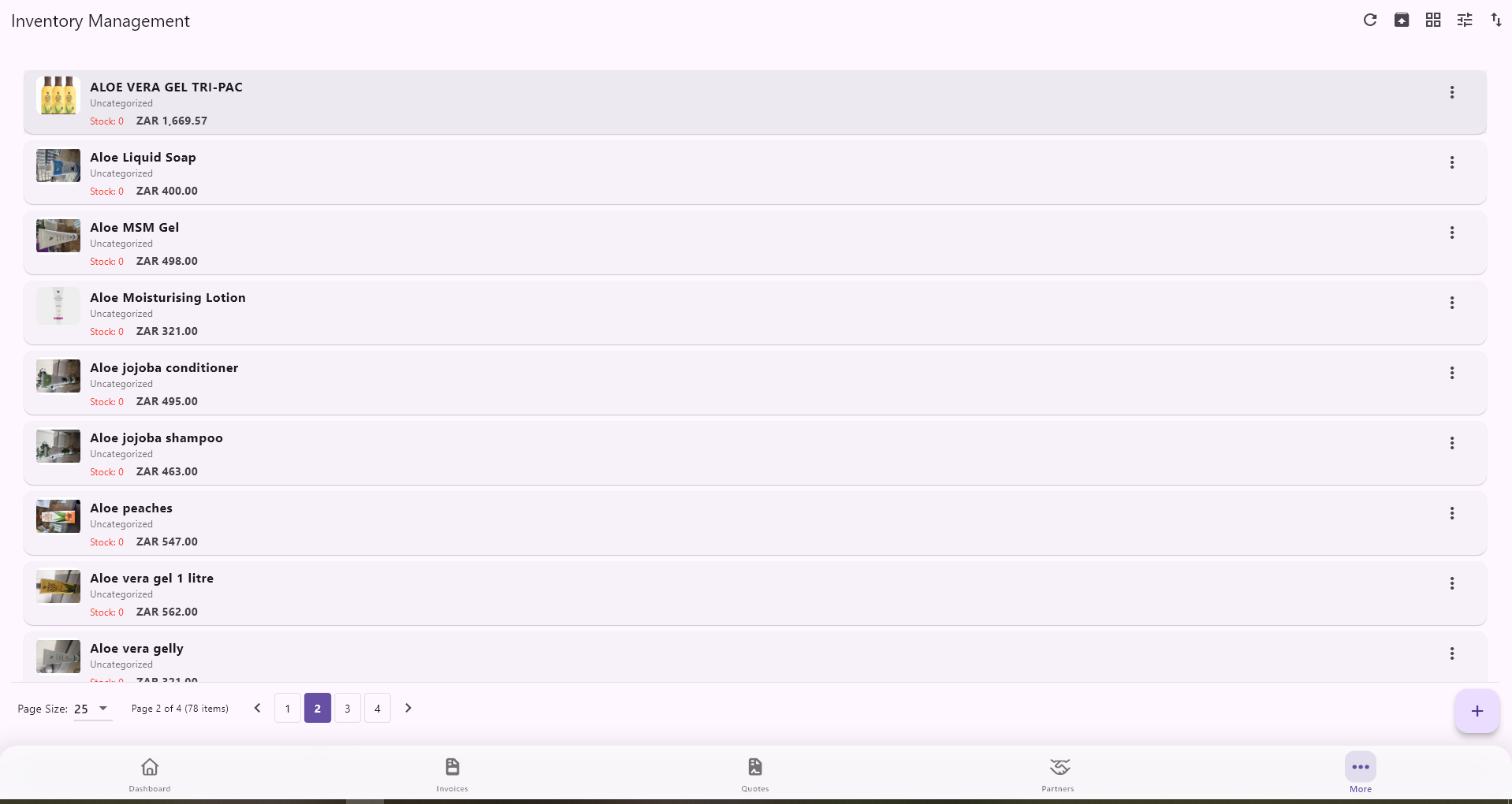
Live Inventory Sync
Every sale automatically deducts from stock. Get low-stock alerts before you run out.
Custom Receipts
Print, email or WhatsApp branded receipts with your logo and tax breakdown. Works with thermal printers.
Multi-User & PIN Login
Each cashier gets their own PIN. Track who sold what with a full audit trail per session.
Loyalty Points
Reward repeat customers automatically. Set your own point rules and redemption thresholds.
Discounts & Promotions
Apply line-item or cart discounts on the fly. Schedule time-based promotions with one tap.
Multiple Payment Types
Accept cash, card, EFT, split payments or store credit — all tracked automatically in the books.
Sales Reports & Analytics
View daily, weekly and monthly sales summaries. Filter by product, cashier or payment method.
Accounting Integration
Every sale posts automatically to your ledger. No double-entry. Tax reports are always ready.
Up and Selling in Minutes
No training needed, no hardware to buy. Just sign up, add your products and start selling.
Create Your Account
Sign up free in 30 seconds. No credit card, no contracts.
Add Your Products
Import via CSV or add items manually with photos, barcodes and prices.
Open the POS
Launch the POS on any device — phone, tablet or PC — and start ringing up sales.
Get Paid & Track Everything
Accept payment, issue a receipt and watch your sales and stock update live.
One POS, Every Industry
Retail, restaurants, warehouses and more — Quick POS adapts to your workflow.
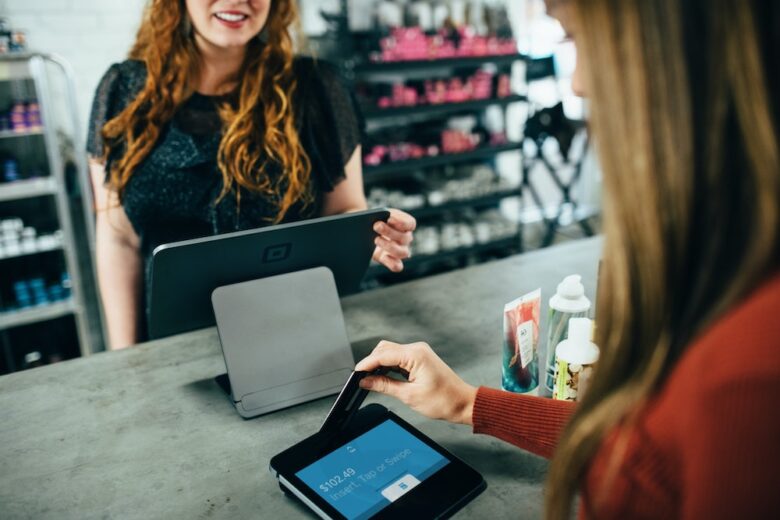
Retail & General Trade
Scan barcodes, manage shelves, track every item sold and print or email receipts — all from your counter or phone.

Wholesale & Stock Take
Handle bulk orders, run stock counts and get variance reports. Keep warehouse inventory in sync with accounting.

Restaurant & Food Service
Manage table orders, kitchen queues and menu items with modifiers. Split bills and track tips with ease.
Quick POS vs. Traditional Solutions
See why businesses are switching to Quick Accounting POS.
| Feature | Quick POS | Traditional POS | Spreadsheets |
|---|---|---|---|
| Real-time inventory sync | |||
| Works on any device | |||
| Built-in accounting | |||
| Loyalty & promotions | |||
| Multilingual (5 languages) | |||
| Free to start | |||
| Sales & tax reports | Partial | ||
| 1:1 Support | Paid add-on |
Clean, Fast & Intuitive
Trusted by Businesses Like Yours
"We switched from a legacy POS system and the difference is night and day. Checkout is twice as fast and the reports are actually useful."
"The fact that it works on my old Android tablet and syncs with the accounting is a game-changer for our small restaurant."
"Loyalty points have brought customers back and the discount scheduler saves us time every week. Setup took less than an hour."
Frequently Asked Questions
No. Quick POS works on any smartphone, tablet, laptop or desktop. You can optionally connect a USB barcode reader or thermal receipt printer, but they are not required to get started.
Yes. The POS module is included in the Quick Accounting free tier and paid plans. You can sign up, add products and start processing sales immediately — no credit card required.
The Android and Windows apps can queue sales when offline and sync automatically when the connection is restored. The web version requires an internet connection.
Yes. You can create multiple cashier profiles with individual PINs. Each cashier's sessions and sales are tracked separately in the reports.
Every sale made at the POS automatically creates a journal entry in Quick Accounting. Revenue, tax, payment method and COGS are all posted without any manual work.
Quick POS supports English, French, Arabic, Simplified Chinese and Hindi. The interface and receipts switch to your selected language automatically.
Ready to Modernise Your Sales?
Join thousands of merchants who run faster, smarter businesses with Quick POS. Start free today.
No credit card required · Cancel anytime · 1:1 onboarding support
Available on